Operations
From the counter to the customer's door.
The till, the stockroom, the buying desk, the workshop and the van, working from the same orders and the same stock.
Till
Keep the counter and the office connected.
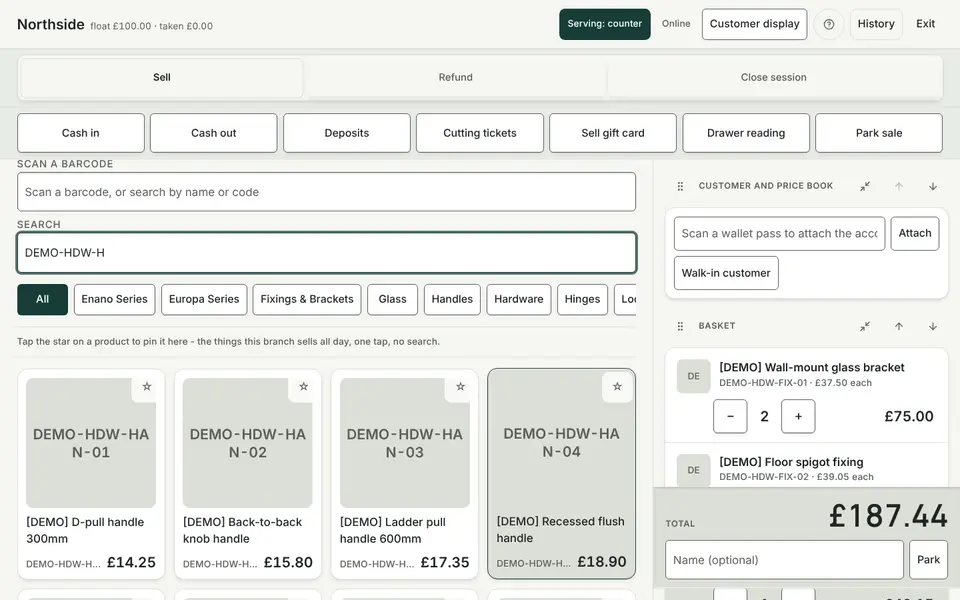
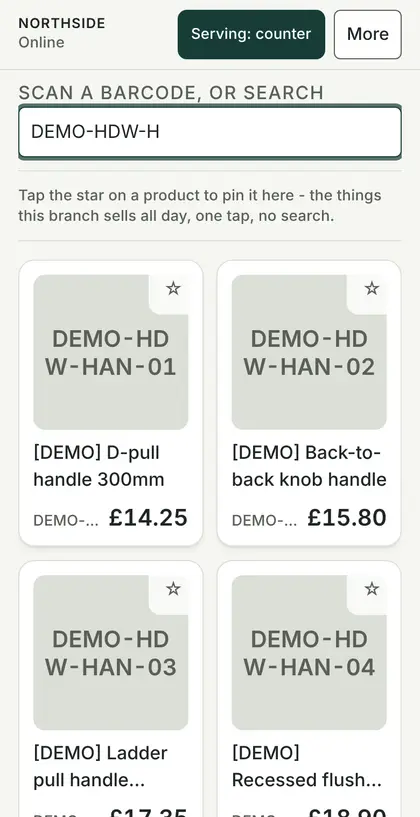
The browser-based till supports counter sales and offline queuing on supported devices. Available offline payment methods and synchronisation are checked on your actual equipment during onboarding; live card authorisation still depends on the payment service.
- Till sessions with opening float and Z-report
- Park a sale and pick it up later
- Staff PIN on each sale, limits on overrides
- Same prices and stock as the web shop
Stock
Every sheet and fitting, in every location.
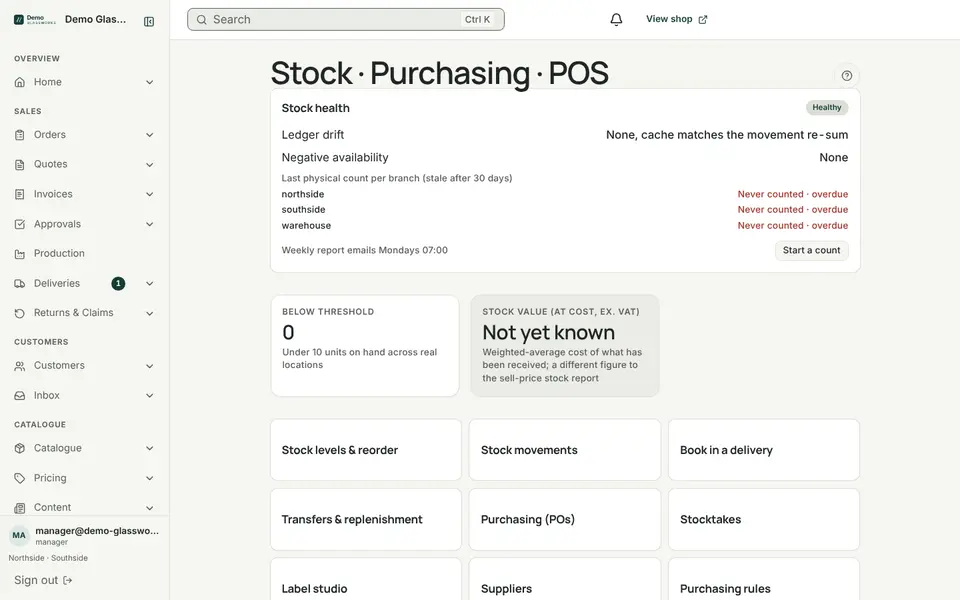
A stock ledger records each movement by location, so the number on screen is the sum of what really happened.
- Stock across multiple locations
- Stock counts and adjustments
- Transfers and replenishment between locations
- Offcuts kept as stock
Purchasing
Supplier orders that know what they are for.
Purchase orders to your suppliers, tracked through to receipt, with stock booked in as goods arrive.
- Purchase orders and goods receipts
- Order stages from draft to received
- Staff review of supplier, recipient and attachments before sending
How a PO moves
- Draftraised from a job or by hand
- Sentto the supplier
- Receivedstock booked in
Production
A board the workshop can trust.
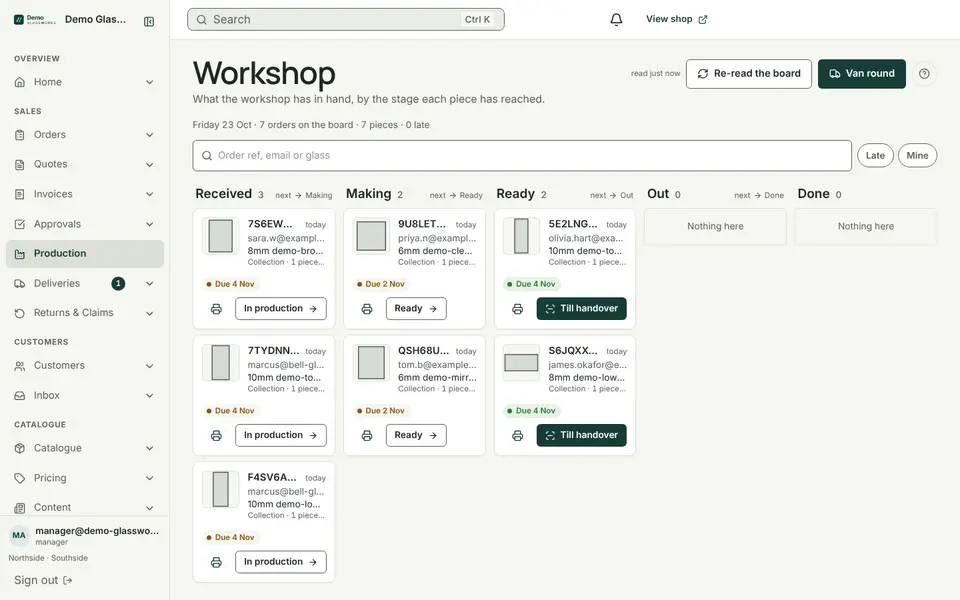
Jobs arrive on the production board with their cutting ticket and drawing. Staff move them along as the work is done.
- Production board by stage
- Cutting tickets as PDF
- Piece lists as CSV and DXF for a cutting optimiser
- Barcode scanning in the workshop
Deliveries
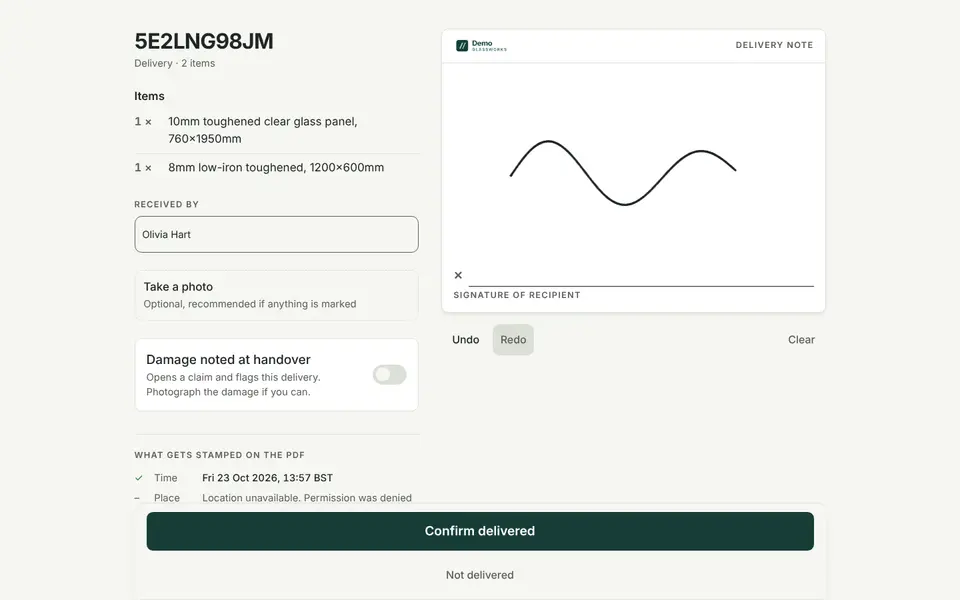
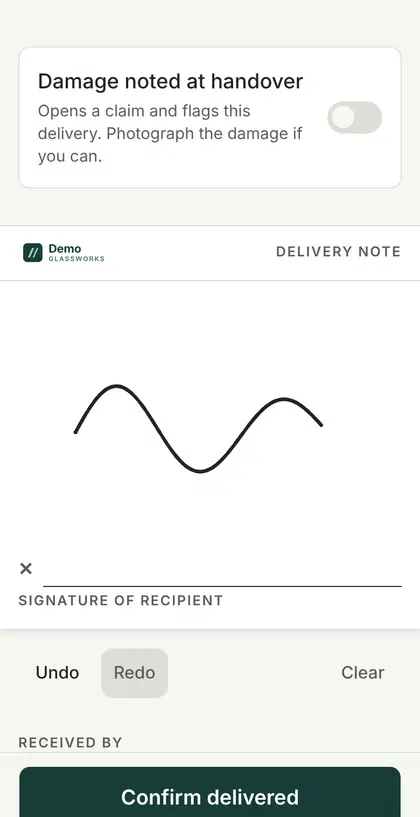
Proof of delivery, signed on the driver's phone.
The driver works through the run sheet. At each drop the customer signs on screen and the driver takes photos. With no signal, the proof waits on the phone and sends later.
- Run sheets in the order you set
- Signature and photos stored with the order
- Signed delivery note as a PDF
- Delivery zones and rates
Book a demo
Walk the whole lane in one demo.
A forty-minute walk-through with your catalogue, your prices and your questions. No slides.